order your book... as inspiration
The best inspiration hack for new writers

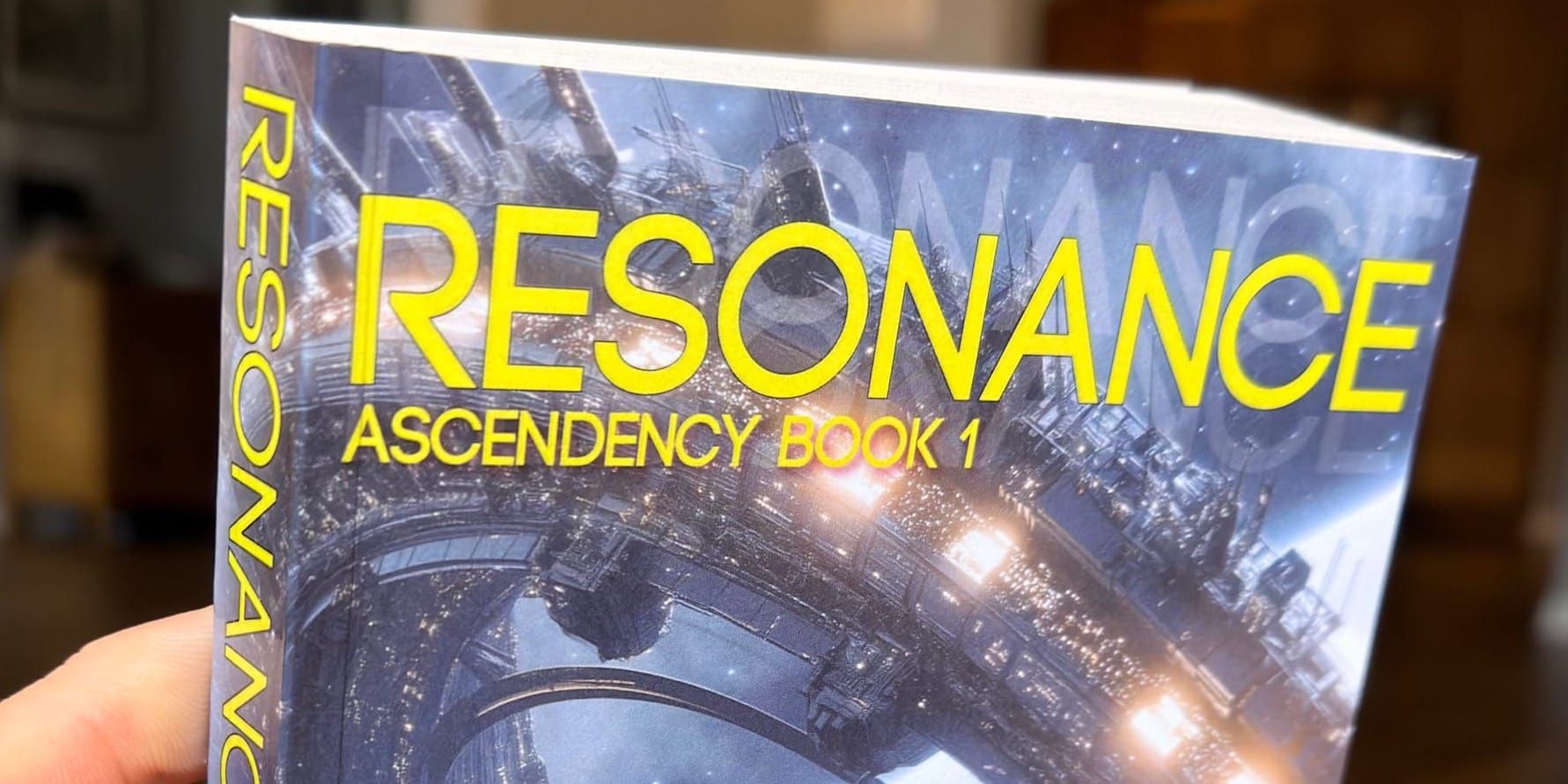
I've been super busy the last few weeks, and honestly I'm moving too fast to adequately document it all. My biggest TLDR? Assuming I have the outline ready, I can now confidently dictate a novella first draft in only 4 days—without burning out. Same goes for a 90K novel, i.e., 10K/day for 9 days.
Today's post isn't about that at all, but about a cool little trick I learned, which I think all writers deserve to know about.
judge your book by its cover
Okay, you're a writer... you're sitting around wondering what your book will finally look like when you're done. You stare at a blank screen. You don't know what to write. You have a general idea of what to write, but the shape of the story is still so amorphous at this stage. You need a little push. You need to visualize it more.
What can work here is an inspirational anchor. That can manifest in many forms, so I'm not going to say what works for me will definitely work for you but this trick is so damned powerful. I think this could help just about anyone.
Flash-forward a few months to imagine what your final book will look like. You will have to pick your fonts, collect an ISBN code, pick images, acquire (or create) a publishing logo... because you will actually construct a real book cover for your unwritten book.
This may not end up being the final book cover, but it doesn't really matter. You're designing this book cover for the sole purpose of having something physical as a placeholder. It will sit on your desk every day like a vestige from an errant time traveler who left it with you by accident.
You want to pick up this book and think... "Holy crap, this is a real book!"
Whenever you get low and doubt your mission, this book will be a kind of living proof that you can push you across the finish line. You pick it up, thumb through the pages, and remember that you are a writer. You can do this.
Ingram Spark, i know thee
We can use any tool as it is intended, or we can co-opt tools for our own needs. When running ads on Facebook, for example, we can spend hundreds of dollars a day for sales ads, or we can spend $5 to find a single winning image or tagline. The same goes for self-publishing tools.
When self-publishing, we can go to Amazon KDP or Ingram Spark. Amazon is great for publishing without ever doing all the grunt work of doing inventory, etc. And Ingram Spark is how authors distribute into bookstores, libraries, etc. On Ingram Spark, you can publish 10,000 copies, 1,000—or just 1.
We're doing the 1 copy.
You construct the cover as if you were doing it for real, which serves two goals: (1) you have an actual idea what the book will finally look like and (2) you can troubleshoot any design problems long before you actually publish.
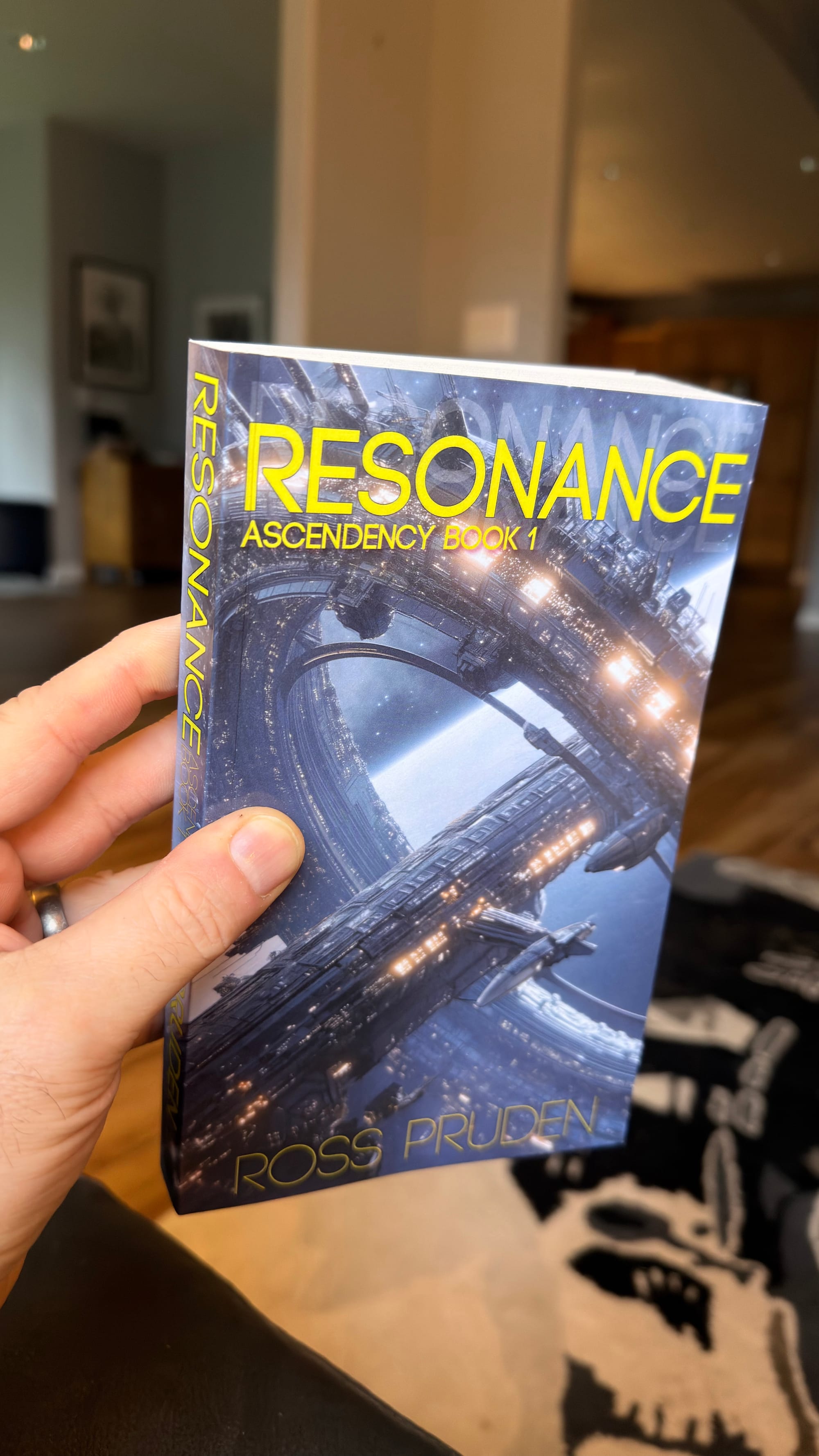
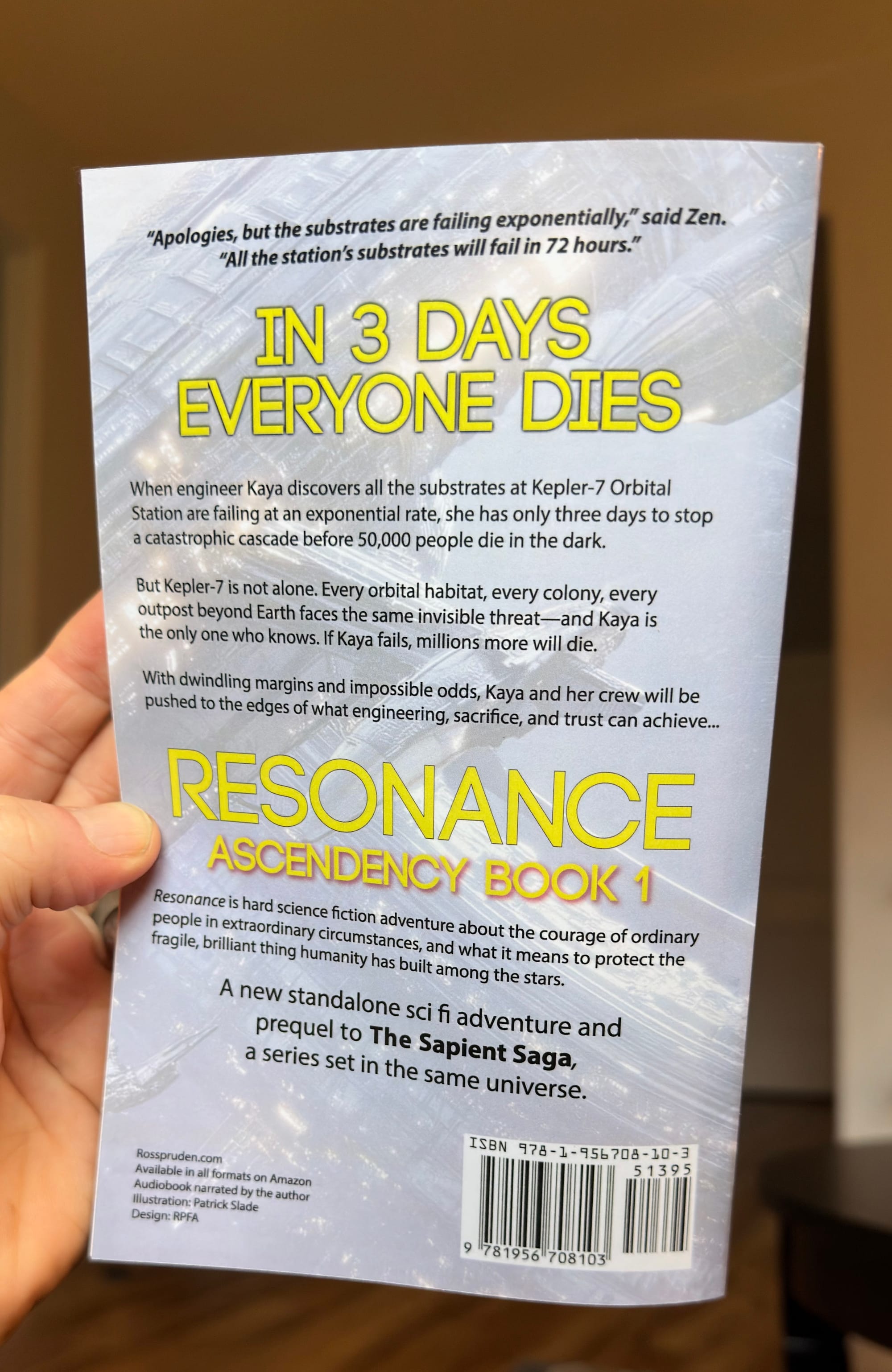
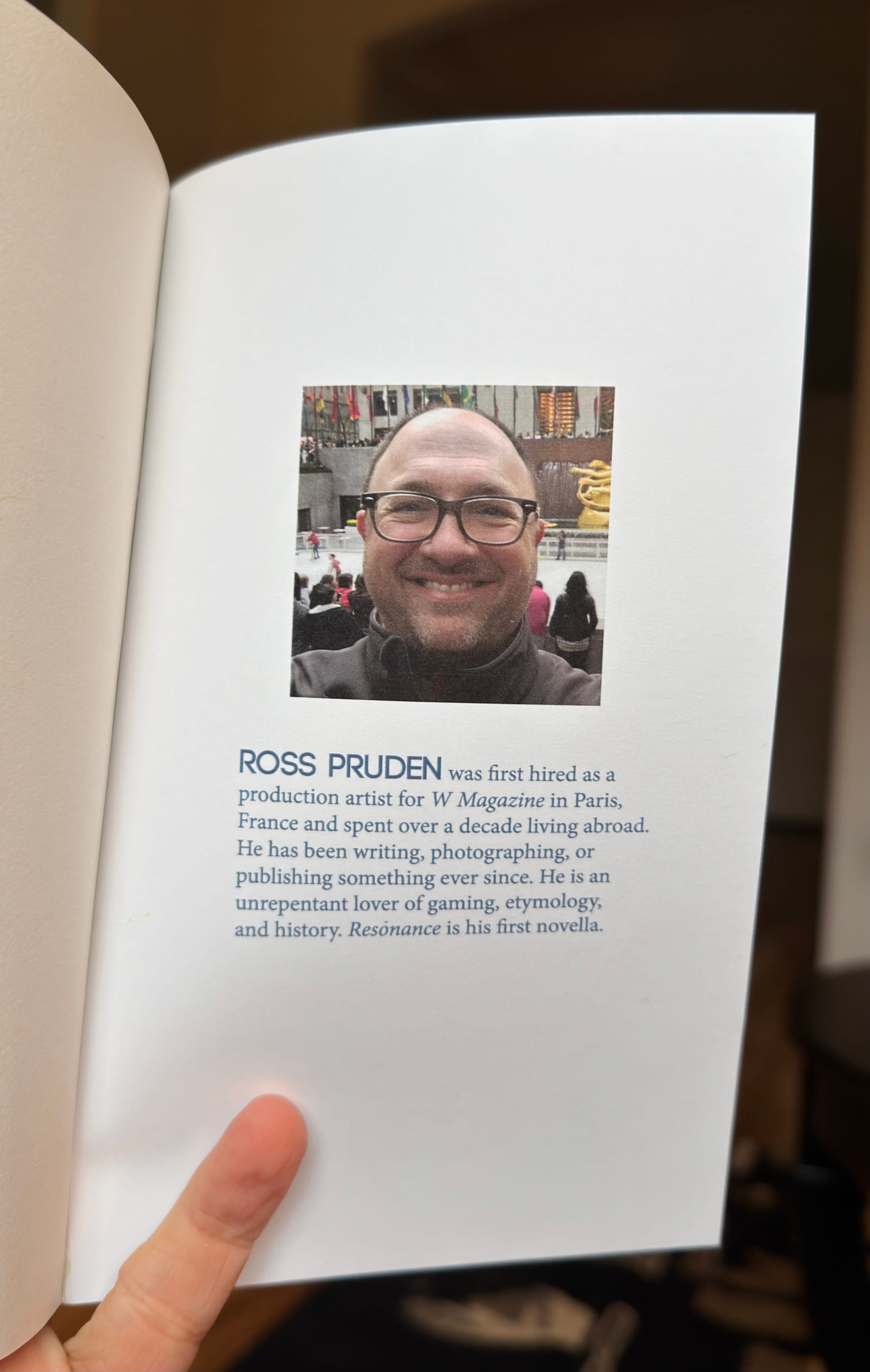
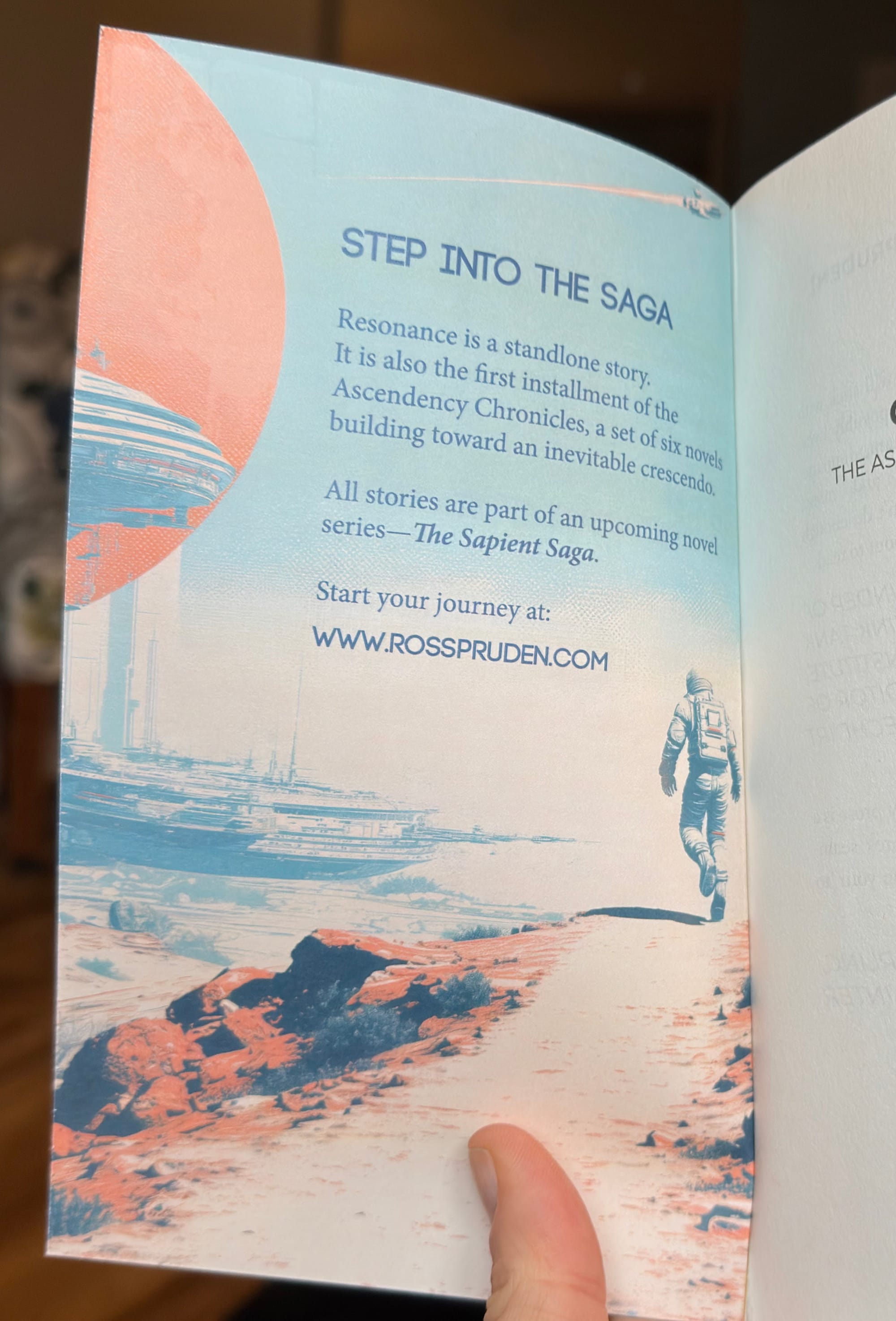
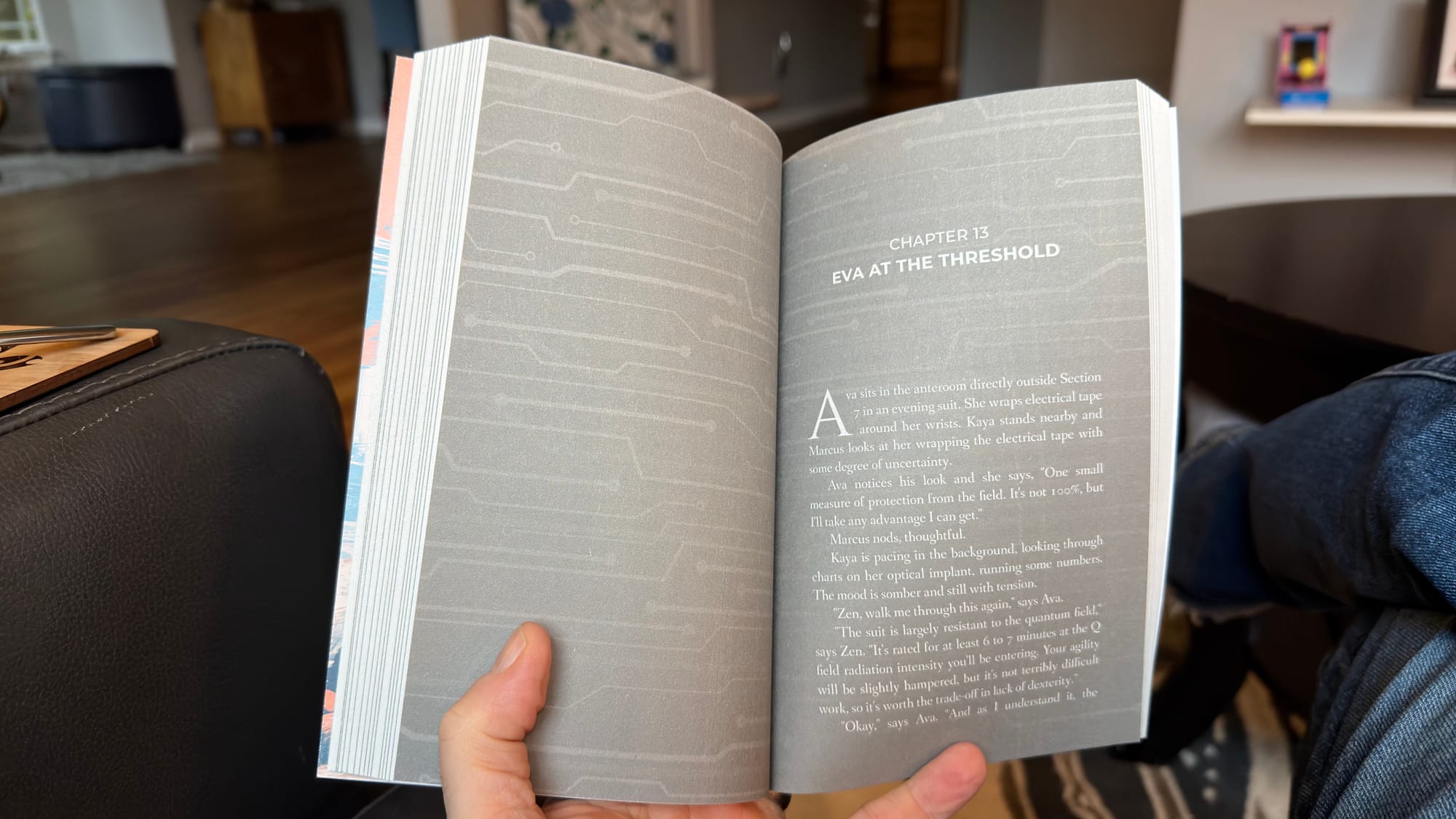
Using a few of my favorites books for ideas on how to simulate a catchy book cover, here are the final results:
the overall plan
There are a few steps, which I'll list broadly here:
- Decide your book dimensions & format. I picked 5" x 8" trim, paperback, gloss finish, and groundwood. (Amazon's KDP doesn't offer groundwood paper yet, and it's the one thing that really makes it feel like a published book.)
- Collect the art. I used MidJourney to get some cool-looking art. I'll swap it out with human art, eventually, since this version of the book is just for me.
- Front cover art
- Back cover art (I used a closeup version of the back cover, with low opacity).
- The inside front cover art (usually one big image, or a collection of other book covers from the publisher)
- Your author bio pic.
- Select the fonts. Ask ChatGPT which fonts are common for your genre. Get a free font from Google Fonts that is similar enough.
- Write the back cover dummy copy.
- A quick quote from the story or teaser blurb.
- A bold headline to grab readers.
- Blurb about the book.
- More blurbs that describe the series
- Write the inside back cover bio.
- Collect your ISBN (not from Amazon—buy one from Bowker).
- Design the cover. Download Ingram Spark's template and start adding all the elements with a page layout program. I did mine in Photoshop but you can use Canva.
- Create and upload the manuscript. It need only be dummy copy of the manuscript (I laid out my manuscript with Vellum).
Then you order a single copy. My copy cost only ~$11 ($7, plus shipping) and arrived within the week.
Look, you're going to need a cover anyway, so you might as well put in the time to get a high quality one now, right? If you don't know how to design a cover at all, this will force you to learn those skills without the pressure of a deadline and give you inspiration during the entire thought process. Or you can contact me and I can walk you through the process.
Bonus: If you're writing a series, now is the time to design multiple covers at once so they all look similar when appearing next to one another, e.g., the book titles can be similar enough in words and syllables. Just look at The Game of Thrones series or a Sarah J. Maas series to know what I'm talking about.
More Bonus: Test your book cover images (and even book titles) with a cheap ad campaign on Facebook, which can give you certainty the market will love your book. Shoot me an email if this is something you want to learn how to do!